
5 Easy Tricks to Become a Master in Excel
Microsoft Excel is one of the most powerful tools in the professional world. From managing budgets and tracking performance to analyzing data and creating reports, Excel is used in almost every industry. Yet, many people only scratch the surface—using it for basic data entry and simple calculations. The good news is that you don’t need to be a data scientist or Excel expert to level up your skills. By learning a few Easy Tricks to Become a Master in Excel you can work faster, smarter, and more confidently.
In this blog, we’ll explore five easy but powerful Excel tricks that can dramatically improve your efficiency and help you move closer to mastering Excel.
Table of Contents
1. Master Keyboard Shortcuts to Save Time
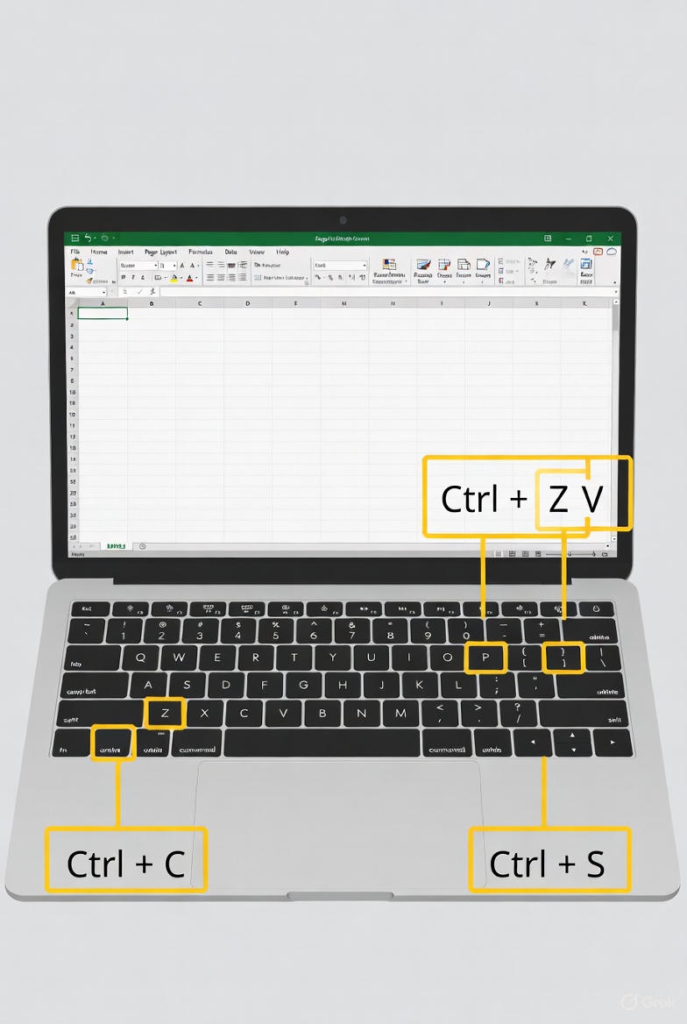
One of the fastest ways to become better at Excel is by using keyboard shortcuts. Relying solely on the mouse slows you down, especially when working with large spreadsheets. Keyboard shortcuts allow you to perform tasks in seconds that might otherwise take minutes.
Must-Know Excel Shortcuts:
- Ctrl + C / Ctrl + V – Copy and paste
- Ctrl + Z – Undo your last action
- Ctrl + S – Save your file
- Ctrl + Arrow Keys – Jump to the edge of data
- Ctrl + Shift + L – Turn filters on or off
- Alt + = – AutoSum selected cells
- Ctrl + T – Convert data into a table
Why This Matters:
Using shortcuts reduces repetitive actions and helps you stay focused. Professionals who use Excel daily rely heavily on shortcuts to boost productivity. Start with a few, practice them regularly, and gradually expand your list.
2. Use Excel Tables for Better Data Management
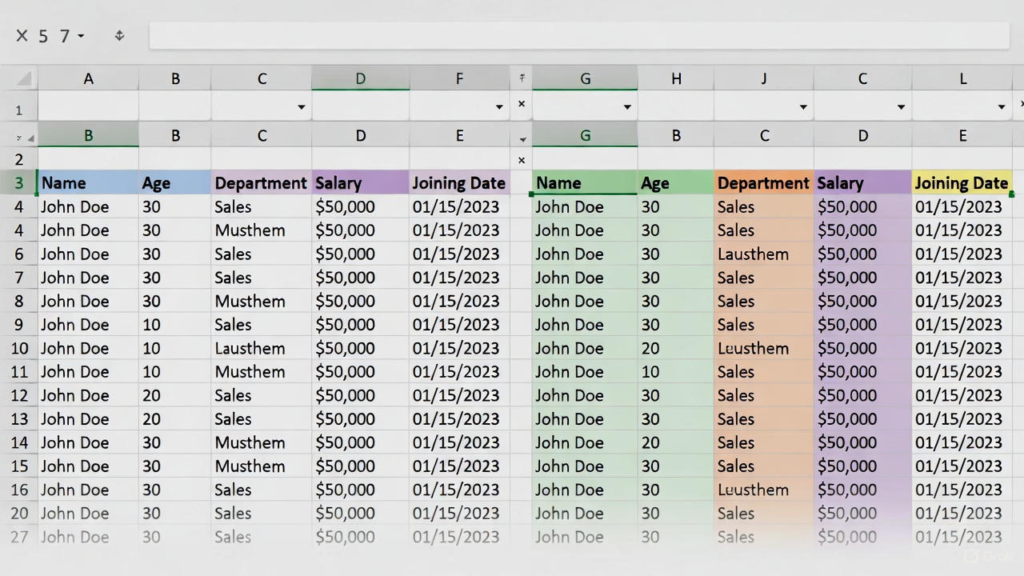
Many users don’t realize how powerful Excel Tables are. Converting a range of data into a table instantly improves organization, formatting, and functionality.
How to Create a Table:
- Select your data range
- Press Ctrl + T
- Confirm the selection and click OK
Benefits of Using Tables:
- Automatic formatting
- Easy sorting and filtering
- Formulas auto-fill down new rows
- Structured references make formulas easier to read
- Dynamic charts that update automatically
Why This Matters:
Tables help you manage data more efficiently, especially as it grows. Once you start using tables, you’ll wonder how you ever worked without them.
3. Learn Basic Formulas and Functions (The Right Way)
Formulas are the Easy Tricks to Become a Master in Excel. While advanced formulas exist, mastering the basics can handle most real-world tasks.
Essential Excel Functions to Learn:
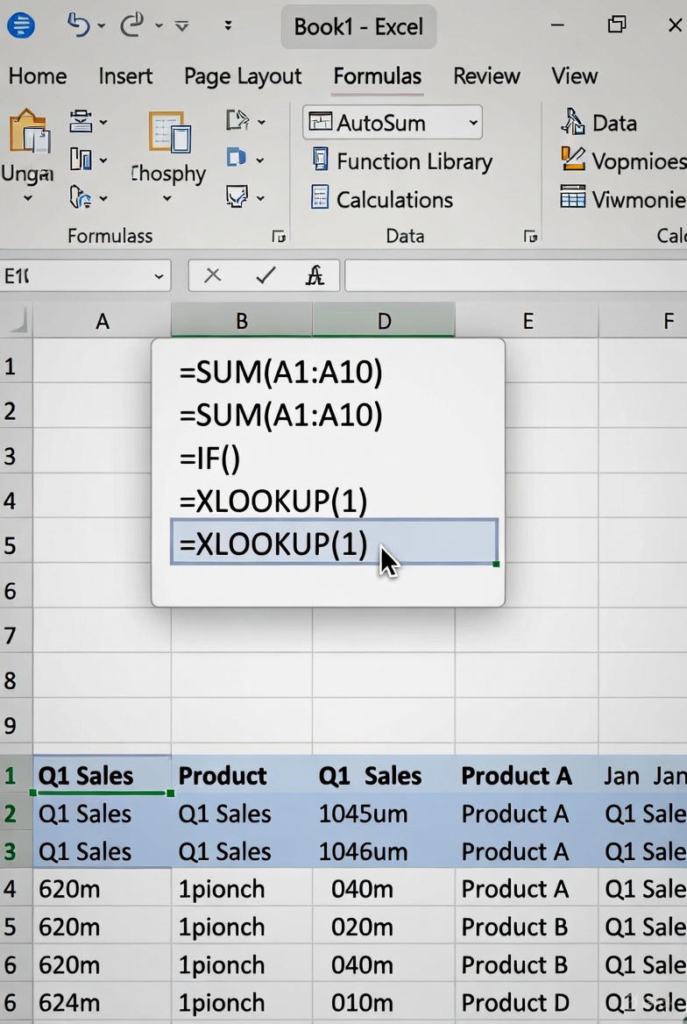
- SUM – Adds values
- AVERAGE – Calculates the mean
- COUNT / COUNTA – Counts cells with numbers or data
- IF – Applies logical conditions
- VLOOKUP / XLOOKUP – Finds data across tables
- SUMIF / COUNTIF – Conditional calculations
Example:
=IF(A2>=50,"Pass","Fail")
This formula checks if a score is 50 or higher and returns “Pass” or “Fail”.
Why This Matters:
Understanding formulas helps you automate calculations instead of doing them manually. Focus on logic rather than memorizing formulas, and you’ll find Excel much easier to use.
4. Use Conditional Formatting to Highlight Insights
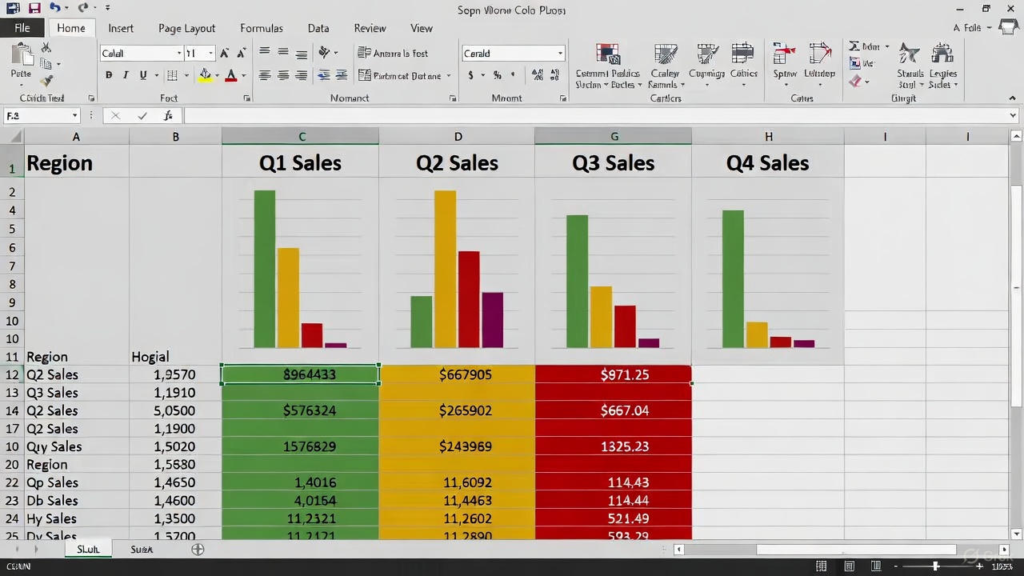
Conditional Formatting allows Excel to automatically format cells based on their values. This helps you spot trends, errors, and important information at a glance.
Common Uses:
- Highlight duplicate values
- Color-code high and low numbers
- Identify overdue dates
- Mark negative values in red
How to Apply Conditional Formatting:
- Select your data
- Go to Home > Conditional Formatting
- Choose a rule (e.g., Greater Than, Data Bars, Color Scales)
Example:
Highlight all sales values greater than $10,000 in green to quickly identify top-performing products.
Why This Matters:
Instead of scanning rows of numbers, conditional formatting visually tells the story of your data. This is especially useful for reports and presentations.
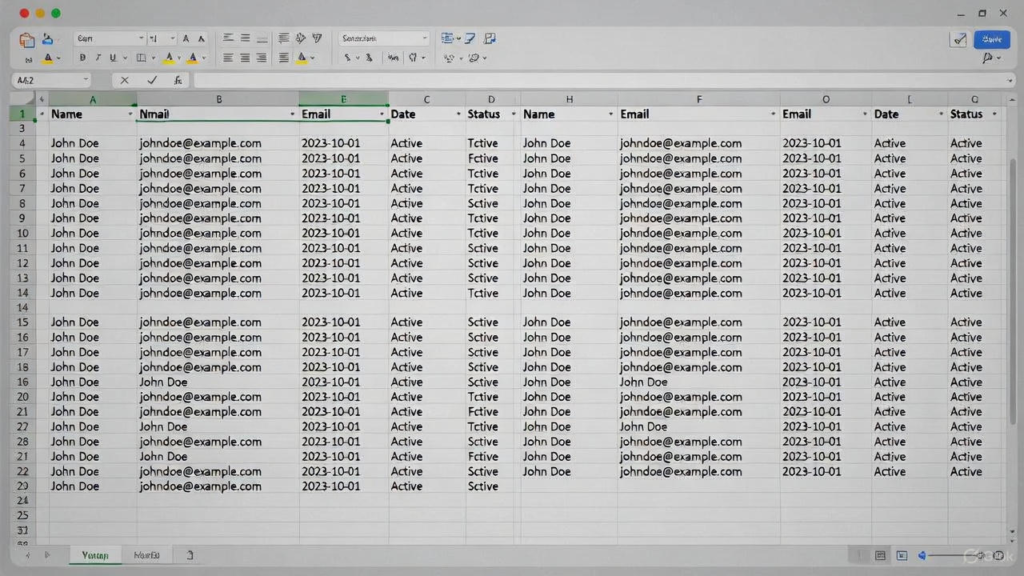
5. Clean and Organize Data Like a Pro
Messy data is one of the biggest challenges in Excel. Learning a few simple data-cleaning techniques can make your spreadsheets more accurate and easier to work with.
Useful Data-Cleaning Tools:
- TRIM – Removes extra spaces
- PROPER / UPPER / LOWER – Standardizes text
- Remove Duplicates – Eliminates repeated data
- Text to Columns – Splits data into multiple columns
- Find & Replace – Quickly updates values
Example:
=TRIM(A1)
This removes unwanted spaces that can cause errors in formulas.
Why This Matters:
Clean data ensures accurate calculations and better analysis. Professionals spend a significant amount of time preparing data before analyzing it, and mastering this skill sets you apart.
Final Thoughts
Becoming a master in Excel doesn’t happen overnight, but it doesn’t have to be complicated either. Many users assume Excel mastery requires advanced formulas and complex automation, but that isn’t always true. By consistently applying the Easy Tricks to Become a Master in Excel, you can gradually build confidence and efficiency without feeling overwhelmed.
One of the most effective Easy Tricks to Become a Master in Excel is learning keyboard shortcuts. Shortcuts help you perform everyday tasks faster, reduce dependency on the mouse, and improve overall workflow. Simple actions like copying data, navigating large spreadsheets, or applying filters can be done in seconds, saving valuable time and increasing productivity.
Another essential part of the Easy Tricks to Become a Master in Excel is using tables to organize data. Excel tables automatically format your data, enable sorting and filtering, and allow formulas to expand dynamically as new rows are added. When your data is structured properly, analyzing and managing it becomes significantly easier and more accurate.
Understanding core formulas is also one of the most important Easy Tricks to Become a Master in Excel. Functions such as SUM, IF, AVERAGE, COUNT, and LOOKUP help automate calculations and eliminate manual work. Instead of focusing on memorizing formulas, understanding their logic allows you to solve problems efficiently and apply the right function when needed.
Applying conditional formatting is another powerful addition to the Easy Tricks to Become a Master in Excel. It helps transform plain numbers into meaningful insights by highlighting trends, errors, or key values automatically. This makes reports more visually appealing and easier to understand, especially when working with large datasets.
Finally, cleaning and organizing data effectively completes the list of Easy Tricks to Become a Master in Excel. Removing duplicates, correcting formatting issues, and standardizing text ensures your data is accurate and reliable. Clean data leads to better analysis, fewer errors, and more professional results.
By following all these Easy Tricks to Become a Master in Excel and practicing them regularly, you can achieve your desired goal faster than expected. With consistency and real-world application, Excel can become one of your strongest and most valuable professional skills.
Join LBSTI to learn it today.